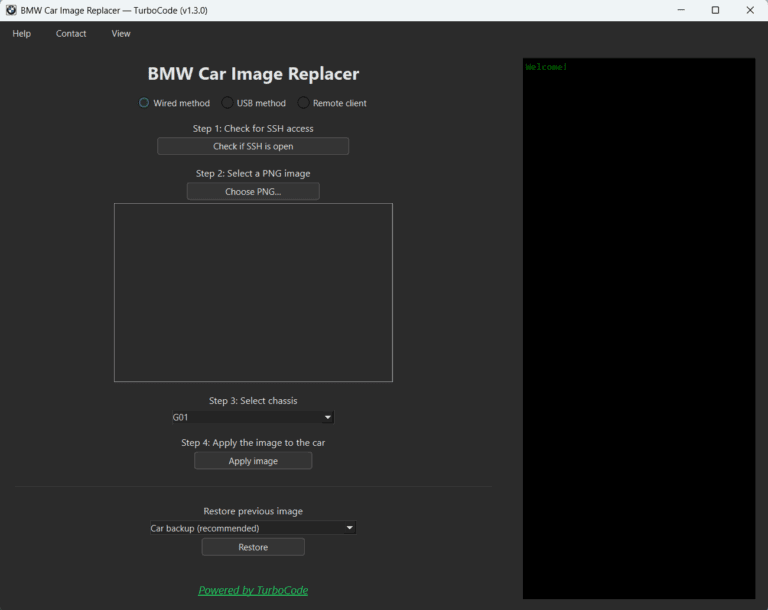
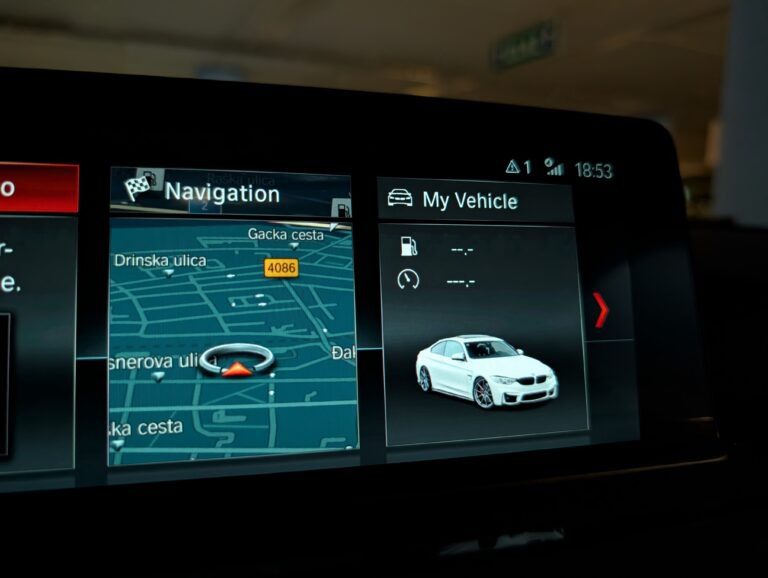
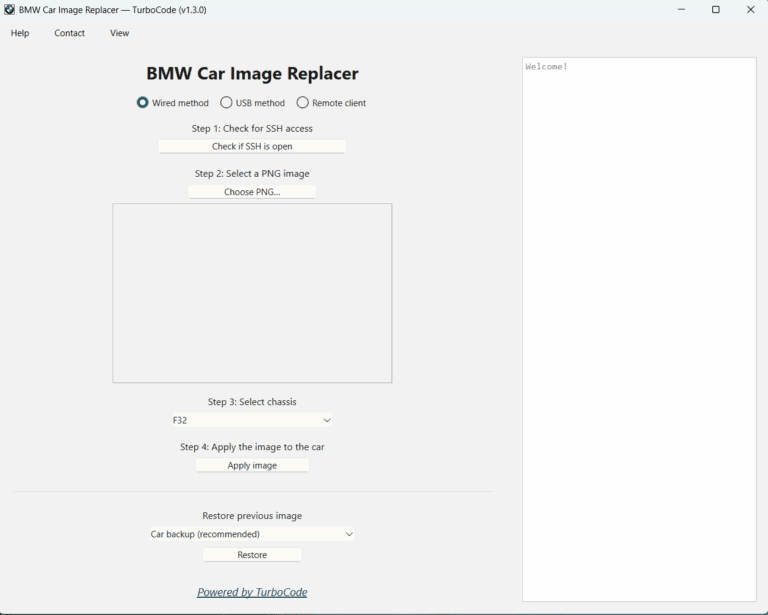
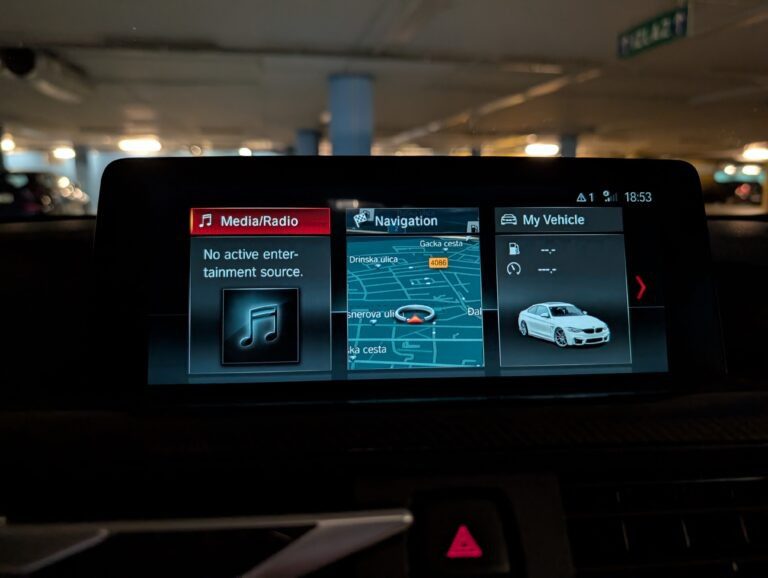
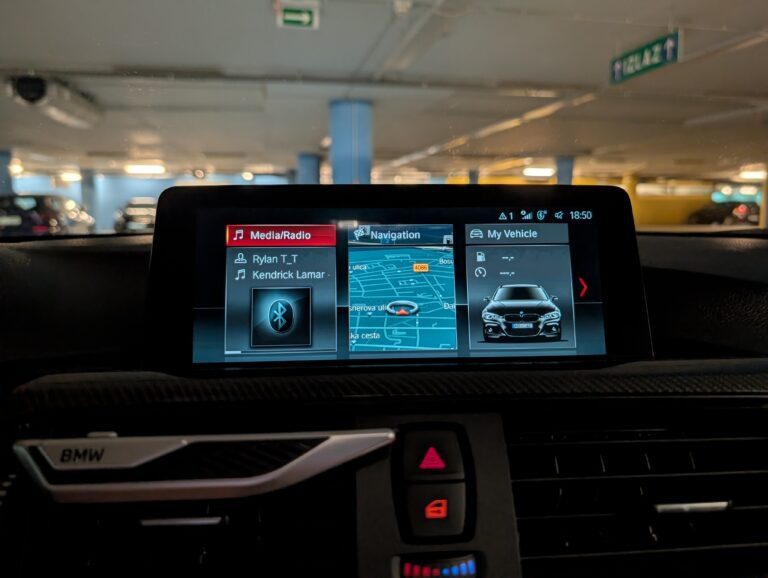
Professional Windows software for replacing the vehicle image on supported BMW NBT EVO and EntryNav2 head units.
Built for BMW coding and retrofit professionals offering custom iDrive personalization.
See how BMW Car Image Replacer works before purchasing.
Watch our YouTube demonstration for a closer look at the application and the process of preparing and installing custom vehicle images.
Watch the software demonstration below:
Key Features
Automatic Image Scaling and Centering
Creating a correctly positioned custom vehicle image has never been easier.
Simply select a transparent PNG of your vehicle with the background removed. BMW Car Image Replacer automatically:
Detects the visible vehicle within the image
Removes unnecessary transparent margins
Resizes the vehicle proportionally
Centers it within the required dimensions
Converts the image to the correct head unit format
No Photoshop templates, manual positioning, or complicated image preparation required.
Whether you’re adding a different vehicle color, custom wheels, or a completely personalized vehicle design, the software handles the final sizing and positioning for you.
Flexible Installation Methods
Choose the connection method that best suits your setup:
Wired ENET – Install custom vehicle images directly using an ENET cable, without a USB drive.
Remote ENET – Perform installations remotely using TurboCode Proxy, ideal for remote coding and retrofit services.
USB Method – Use a guided USB installation workflow without requiring a live ENET connection during installation.
Each method provides step-by-step instructions, progress indicators, and clear status information throughout the process.
Automatic Backup and Restore
Your existing vehicle image is automatically backed up before replacement.
Depending on the installation method, backups can be stored on the head unit, USB drive, or both.
Restore your previous image whenever needed without manually locating or modifying system files.
Automated Installation
Once your image is prepared and the connection is verified, the application takes care of the installation process:
Converts the image to the required format
Verifies the connection and necessary files
Transfers the prepared vehicle image
Applies the required changes
Automatically reboots the head unit
Multilanguage Interface
BMW Car Image Replacer supports 11 interface languages:
Change the language directly from the application menu. Your preference is automatically saved for future sessions.
Built-In USB Verification
When using the USB installation method, the software checks that the vehicle recognizes the USB drive and that the required image files are available.
These checks help identify potential installation issues before proceeding.
Integrated FAQ and User Guide
Find helpful instructions directly inside the application, including:
Preparing transparent PNG images
Automatic scaling and centering
Selecting the correct vehicle chassis
Wired, remote, and USB connection setup
SSH requirements and troubleshooting
Backup and restoration procedures
Automatic Software Updates
Keep your application up to date with the integrated updater. Download and install new software versions directly from the application.
Built for BMW Enthusiasts and Professionals
Whether you’re personalizing your own iDrive display or offering customization services to customers, BMW Car Image Replacer provides an efficient way to achieve a more personalized factory-style appearance.
Your vehicle. Your design. Your iDrive.
System Requirements
BMW Car Image Replacer requires:
Operating System: Windows 10 or Windows 11
Connection: ENET cable for wired installations or a suitable remote ENET setup
Head Unit Access: SSH must be enabled
Image Format: Transparent PNG with the vehicle background removed
The software automatically handles image scaling, centering, and conversion after you select your transparent PNG.