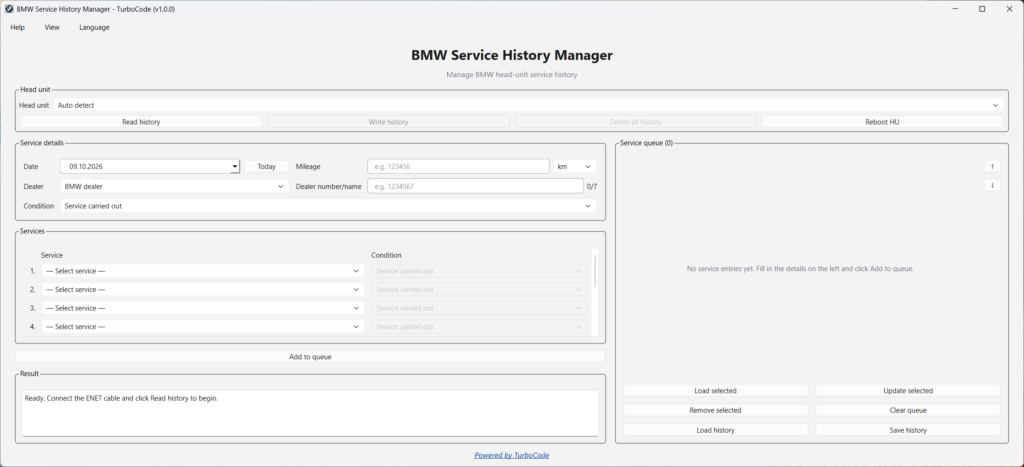
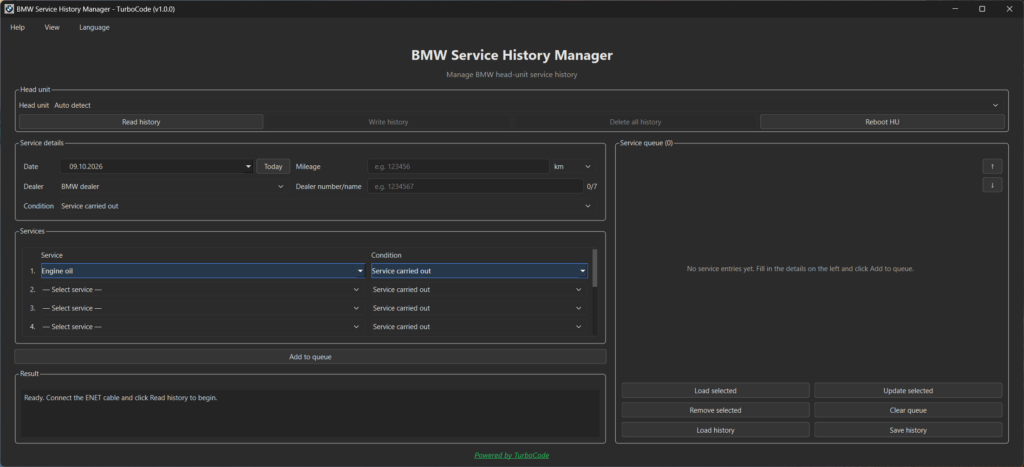
BMW Service History Tool gives you full control over the service records stored in supported BMW iDrive systems.
Read, edit, add, delete, reorder, and write service history entries – all from one easy-to-use Windows application.
Correct existing records, add genuine maintenance entries, and organize the entire service history before writing it back to the vehicle.
One tool. Complete service history management.
Key Features
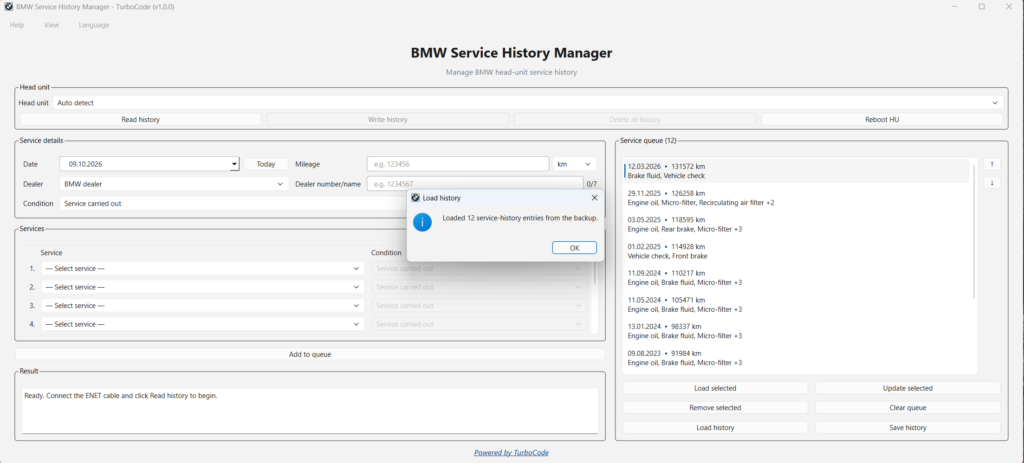
Read Existing Service History Read all available service entries directly from the vehicle.
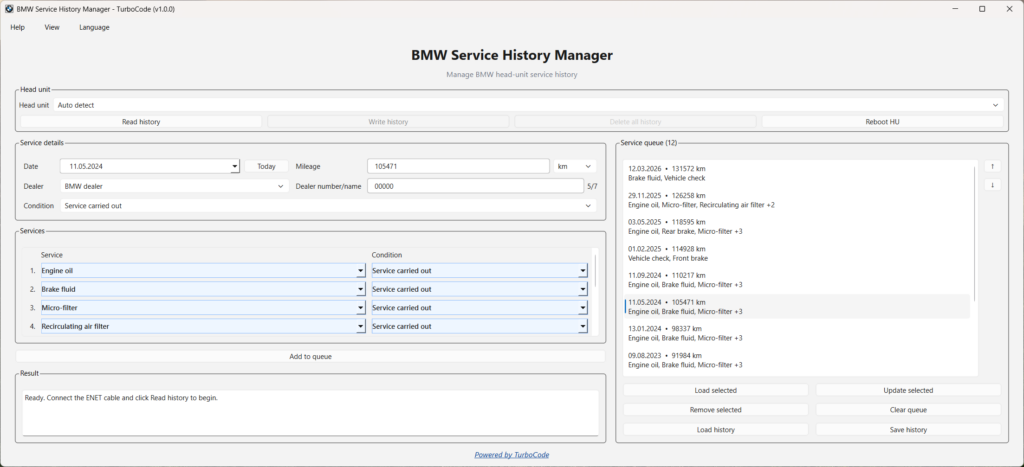
Edit Any Entry Modify existing service records and correct inaccurate details.
Add New Records Add genuine maintenance entries to the existing history.
Delete Entries Remove incorrect, unwanted, or duplicate service records.
Reorder Service History Arrange entries in the correct order before writing.
Write to iDrive Write the updated service history back to the vehicle.
Watch BMW Service History Tool in Action
See how the software reads, edits, reorders, and writes BMW service history directly to the vehicle.
Fix Incorrectly Ordered Service History
Service records showing in the wrong order?
With BMW Service History Tool, you can read the existing history, rearrange entries, and write the corrected order back to iDrive.
No need to manually recreate every service entry.
Designed for BMW Professionals
Whether you’re working in a BMW workshop or providing coding services, BMW Service History Tool makes managing legitimate service records simple.
Complete control over existing entries
Simple Windows interface
No manual service-history data preparation
Unlimited authorized vehicles with one license
Lifetime license with software updates included
Supported BMW Systems
BMW Service History Tool supports a wide range of BMW iDrive systems, with more planned for future updates.
BMW System
Compatibility
CIC
Planned for future update
NBT
Supported (most firmwares*)
NBT EVO
Supported (most firmwares*)
MGU ID7
Planned for future update
MGU ID8
Planned for future update
Requirements: Windows PC and ENET connection.
*For NBT, BTLD 00001275 is required. For NBT EVO, BTLD 00001FFD is required. If your head unit has an older, unsupported firmware version, compatibility can typically be achieved by updating to a supported firmware version.
Not sure if your BMW is compatible? Contact us before purchasing – we’ll help you check.
License & Pricing
$200 USD – One-Time Payment
Lifetime license
Unlimited vehicles
Software updates included
No subscription fees
For legitimate service-history maintenance on vehicles you own or are authorized to service.
Alternative Payment Methods
Need a different payment method? Contact us to arrange an alternative payment option.
Software download and activation details are provided after payment confirmation.