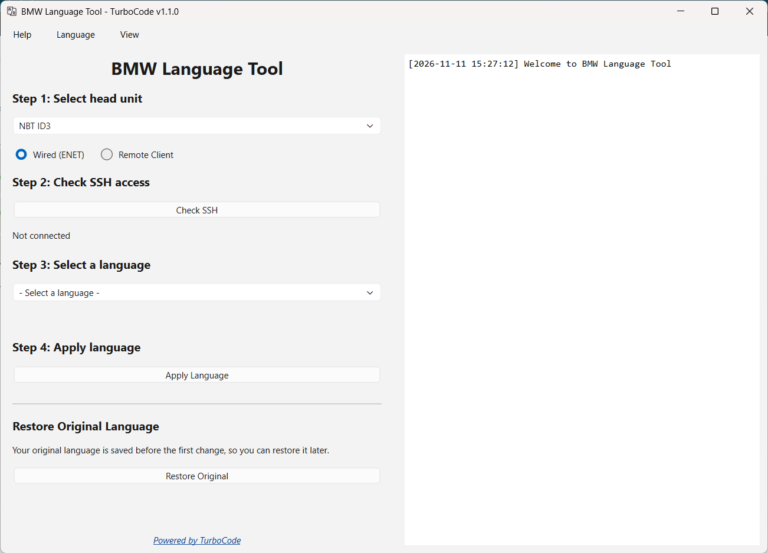
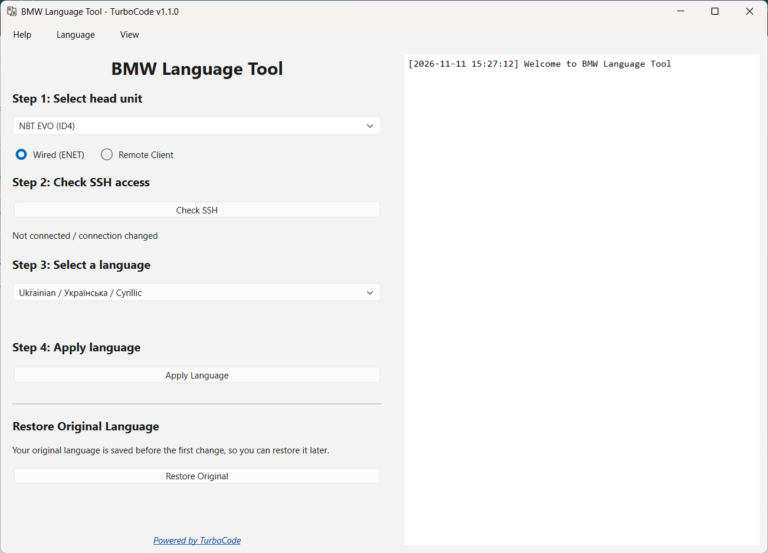
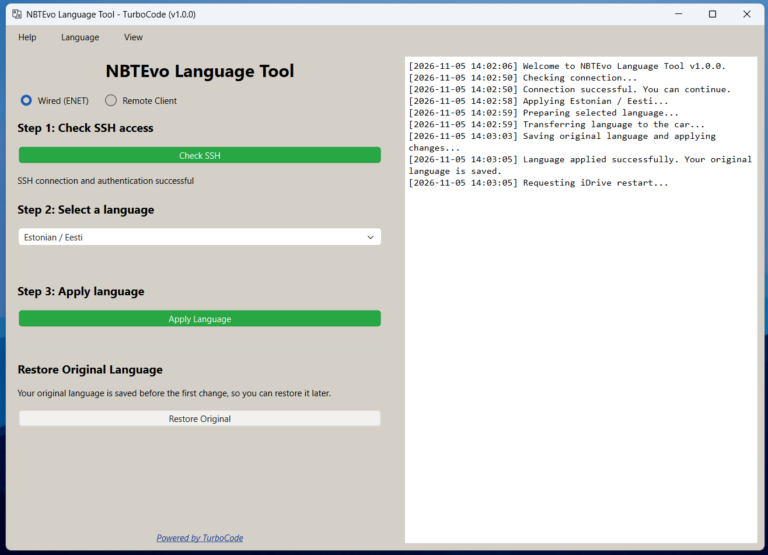
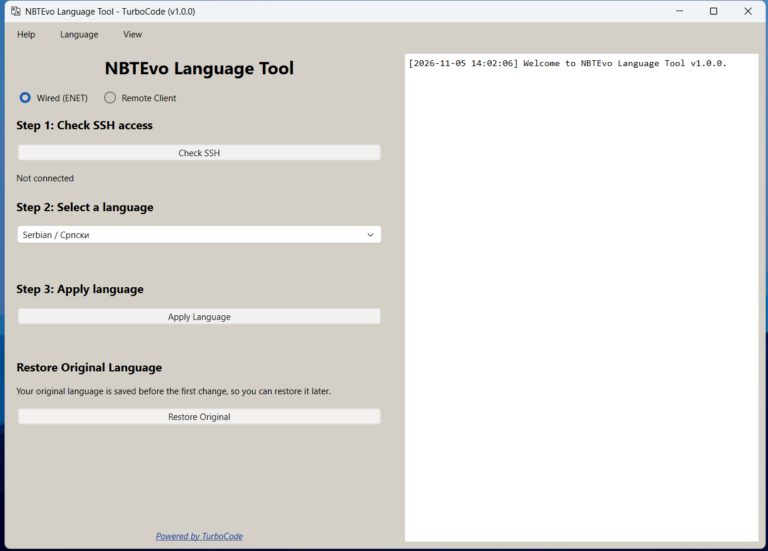
Language Tool makes changing your iDrive language simple. Choose from 17 available languages, connect to your vehicle, and let the application handle the installation.
Watch our YouTube demonstration for a closer look at the application and the process of preparing and installing custom vehicle languages.
Watch the software demonstration below:
Key Features
23 iDrive Language Options
Changing your BMW iDrive language has never been easier.
BMW Language Tool includes 23 language options across 17 languages for compatible NBT ID3 and NBT EVO ID4, ID5, and ID6 head units:
Azerbaijani
Belarusian (Cyrillic or Latin)
Bulgarian (Cyrillic or Latin)
Montenegrin (Cyrillic or Latin)
Estonian
Croatian
Armenian
Icelandic
Georgian
Luxembourgish
Lithuanian
Latvian
Macedonian (Cyrillic or Latin)
Romanian
Albanian
Serbian (Cyrillic or Latin)
Ukrainian (Cyrillic or Latin)
Simply select your preferred language from the dropdown menu and let the software handle the installation.
All 23 language options are included with the software license, allowing you to switch between available languages whenever needed.
Extended Head Unit Compatibility
BMW Language Tool now supports three head-unit configurations:
NBT ID3
NBT EVO ID4
NBT EVO ID5 / ID6
Simply select your head-unit type from the dropdown menu.
Flexible Installation Methods
Choose the connection method that best suits your setup:
Wired ENET – Install additional iDrive languages directly using an ENET cable, without a USB drive.
Remote ENET – Perform language installations remotely using TurboCode Proxy, ideal for remote coding, retrofit services, and professional BMW workshops.
Both methods provide connection verification, progress indicators, and clear status information throughout the process.
Automatic Backup and Restore
Your original iDrive language is automatically backed up before the first replacement.
The backup is preserved on the head unit, even when switching between different languages.
Use the built-in Restore Original function to return to your original language whenever needed, provided the saved backup remains available, without manually locating or modifying system files.
Simple 4-Step Installation
The entire language installation process is designed to be fast and straightforward:
Step 1 – Select Head Unit: Choose NBT ID3, NBT EVO ID4, or NBT EVO ID5/ID6.
Step 2 – Check SSH: Connect to your vehicle and verify SSH connectivity.
Step 3 – Select Language: Choose your preferred language from the 23 available options, including Cyrillic variants.
Step 4 – Apply Language: Click Apply Language and let the software complete the installation.
No complicated configuration or manual file preparation is required.
Multilanguage Interface
BMW Language Tool supports 11 application interface languages:
Change the application interface language directly from the menu. Your preference is automatically saved for future sessions.
The application interface language is independent of the iDrive language selected for installation.
Automatic Software Updates
Keep your application up to date with the integrated updater. Check for new versions, download updates, and install them directly from the application.
Software updates are included with your license, with no recurring subscription fees.
Built for BMW Enthusiasts and Professionals
Whether you’re adding your preferred language to your own iDrive system or offering language installation services to customers, BMW Language Tool provides a simple and efficient solution.
Your vehicle. Your language. Your iDrive.
System Requirements
BMW Language Tool requires:
Operating System: Windows 10 or Windows 11
Connection: ENET cable for wired installations or a suitable remote ENET setup
Head Unit Access: SSH must be enabled
Supported Systems: NBT ID3 and NBT EVO ID4/5/6
All 17 available languages are included. No manual file preparation or additional language downloads are required.